Guiding users to the new home of the Dropbox Desktop app
In late 2020, Apple introduced macOS on Dropbox File Provider. This new operating system was a required Apple update that would use a new API to integrate Dropbox more seamlessly with macOS and help eliminate persistent issues with opening online-only files.
What did that mean in non-tech terms? It meant that every Dropbox customer was going to see their desktop folder move from Favorites to Locations on their Finder. Seems like not a big deal. It was a HUGE deal.
-
We needed to make sure our customers understood the following:
• Their main Dropbox folder was moving
• This move could take seconds, or days, depending on the number of files in their Dropbox folder
• They had to stay connected to the internet and their Mac had to stay onDesign principles I brought to this project:
• Improve sense of customer security
• Provide expectations for wait times
• Let customers choose when to migrate -
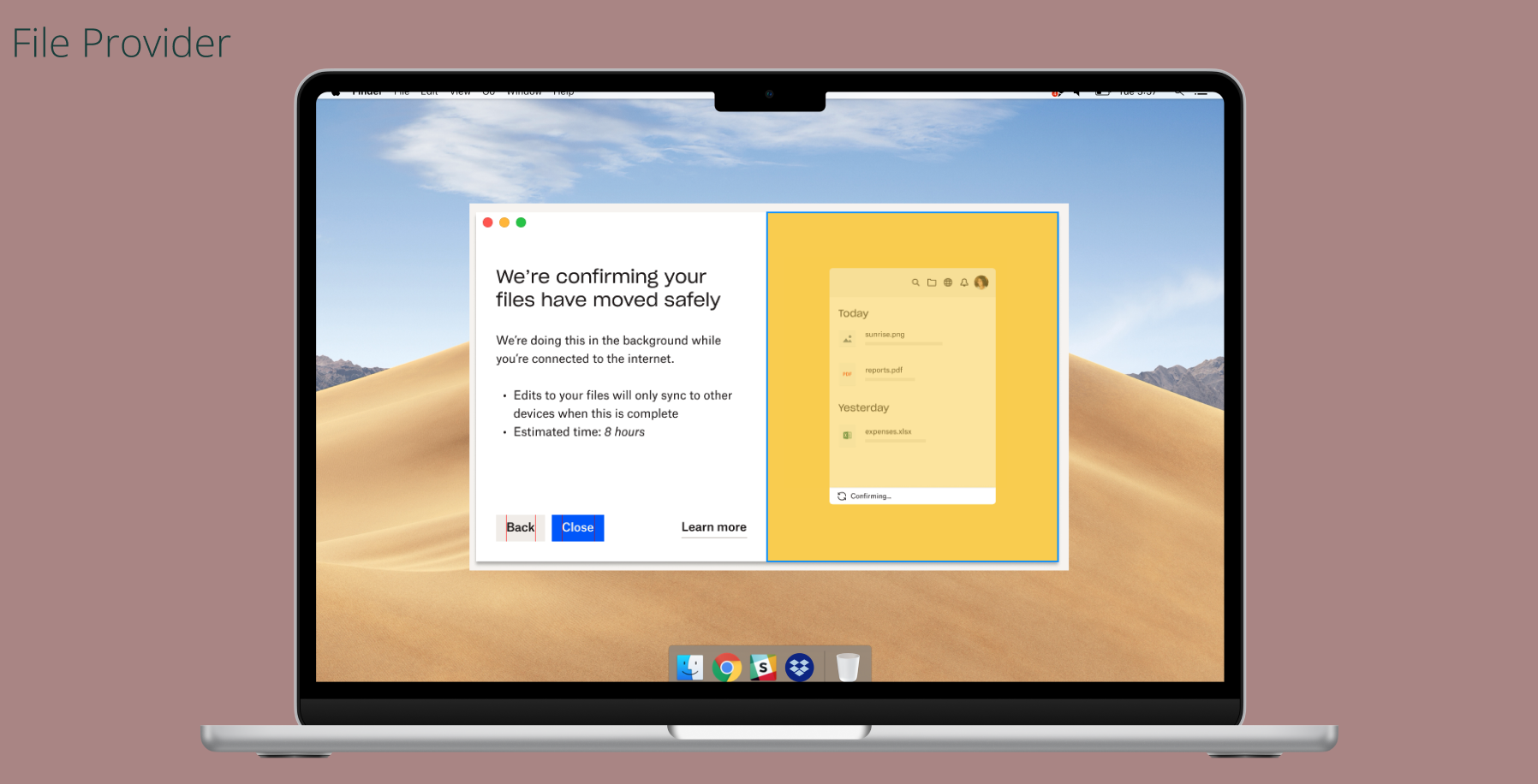
An initial effort had been made to explain what was happening, but customers had to opt in to an upgrade to start the process. I created a beta flow that would get our customers in the right place to start the folder move.
Next, I created a carousel flow that walked them through the process as it was happening. I got the green light from engineering to include an estimated time for the actual move. I took this flow to UXR, and after 4 rounds of interviews with more than 40 interviewees, we had a winner.
-
We handed off this project in June; by September, 78% of Dropbox Desktop users had initiated the migration.
Completion of this project educated and unblocked 235 million Dropbox users.
To get into the nitty gritty of File Provider, reach out to me at nico@nicomk.design.